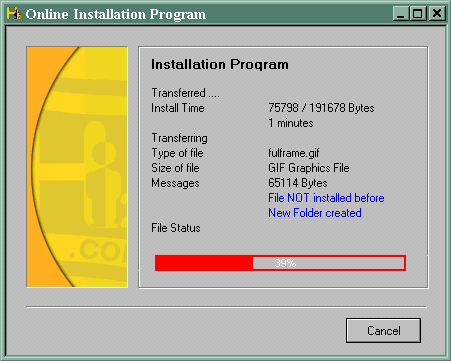
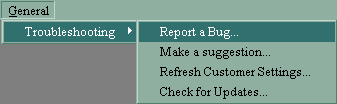
After your files have been updated, you will be connected to the Main Log In Screen. Once here, you will need to enter your username and password in the relevant boxes in order to enter The Games Channel. You can choose to bypass the login script in future by turning on the Auto Login function by clicking in the box.
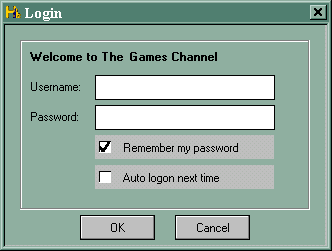
If you are a new user, you must create your online Player Profile and Password by selecting the
Register Profile option and completing the form. This information will be emailed back to you for confirmation so please make sure you fill in your email address.
Should you have previously selected the Auto Login function and now wish to alter your login details and/or settings, you should enter The Games Channel in the usual way and then select Modify Auto-Login from the Players Profile menu.
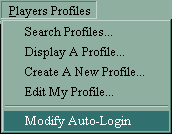
The login screen will then be brought up and you will be able to make the necessary changes.